EngineeringDesignNotes1 min read
Liquid Glass: two materials for the whole interface
The blog uses the same design system as the app. A short look at what it is made of.
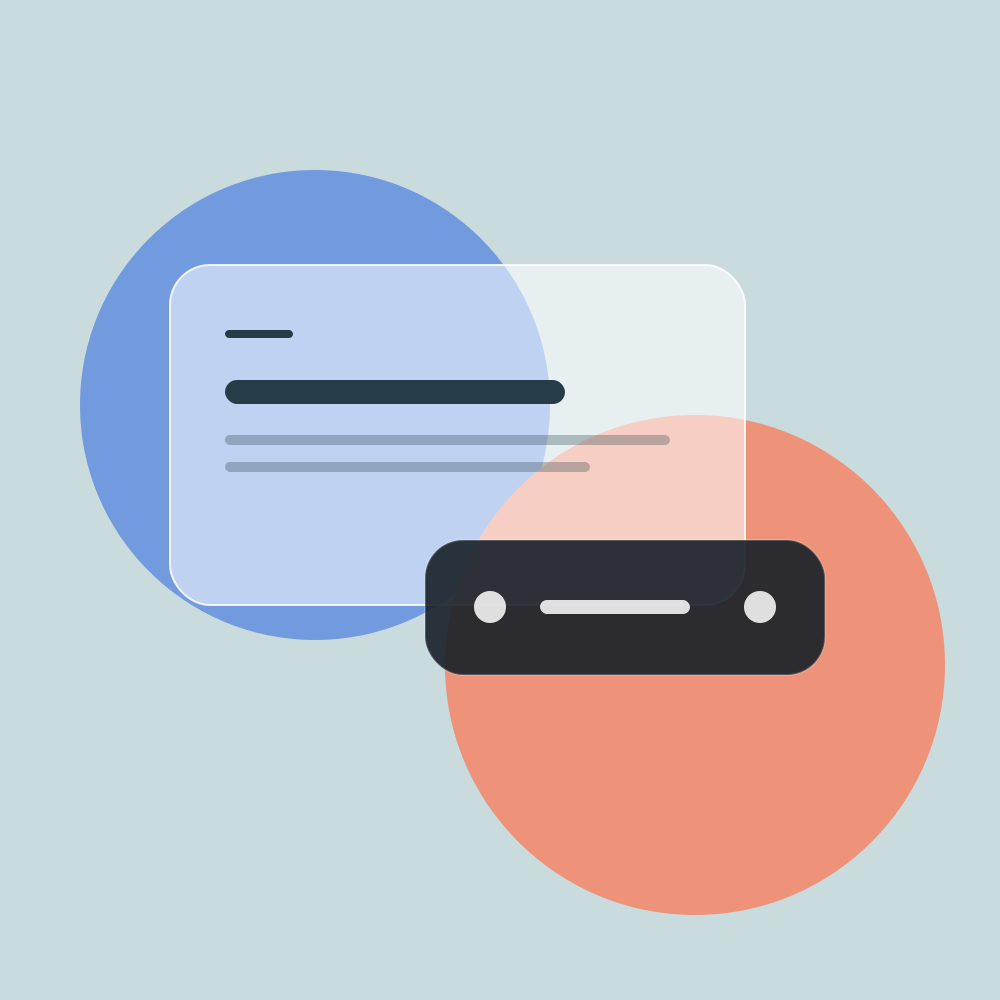
Every surface is a floating island of translucent glass with rounded corners, a ring, and a soft shadow. The background shows through, so there are no panels from edge to edge.
Exactly two materials
Dark Chrome
Navigation and controls
Header, menu, floating buttons.
Light Sheet
Content and input
Cards, articles, fields.
Dark Chrome controls: the header and the buttons in it. Light Sheet presents: the feed cards and the sheet you are reading now. There is no third material in the system.
How it works in code
Both materials are described once in src/styles/global.css as Tailwind utilities. Radius and blur are set in the markup:
<a class="glass-sheet rounded-[28px] backdrop-blur-xl">…</a>
<div class="glass-chrome rounded-full backdrop-blur-3xl">…</div>
Rules that are easy to break
- Blur is at least
backdrop-blur-xl, or the glass does not read. - Shadows come only from the system: the standard
shadow-lgandshadow-xlhave different proportions. - The inset from the screen edge is 12 px, and the gap between surfaces is at least 4 px.