How to add a post
One file in the content folder is one post. Fields, categories, tags, covers, and drafts.
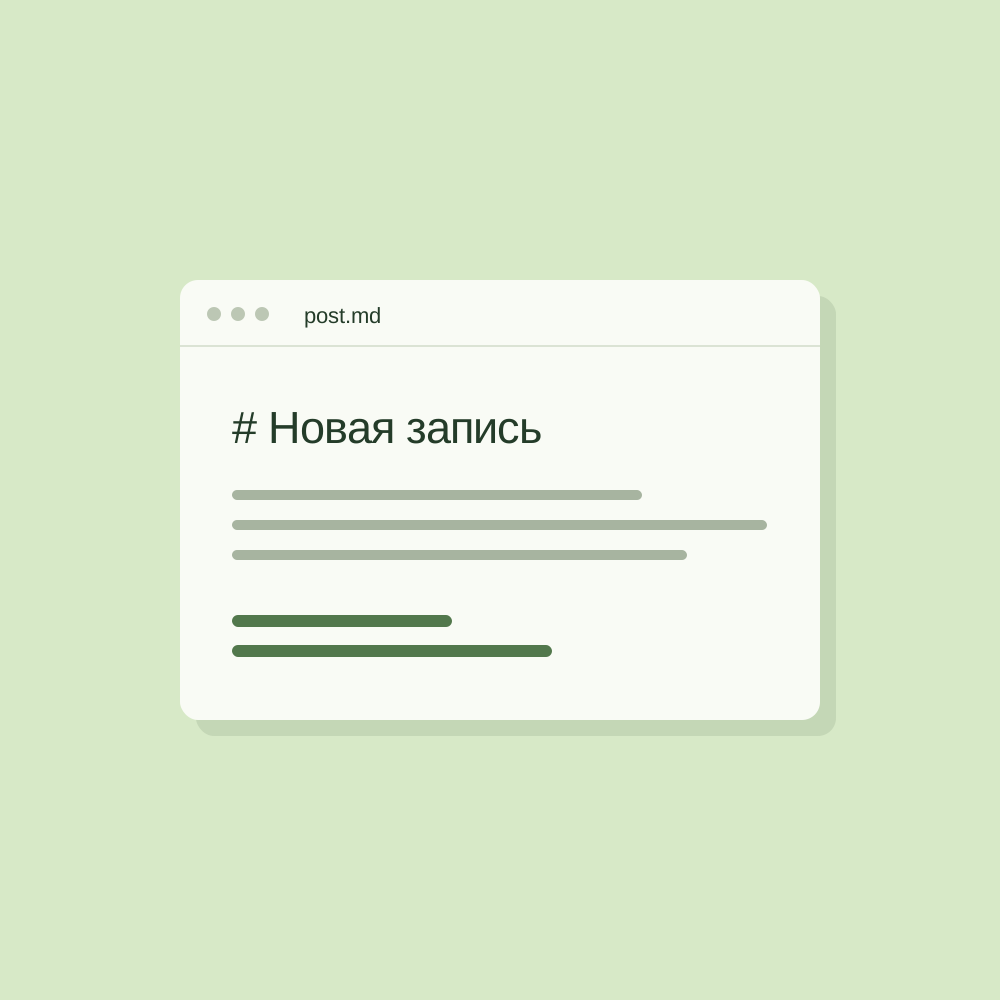
A post is a .md or .mdx file in a language folder: src/content/blog/en-US/, ru-RU/, or kk-KZ/. The file name becomes the URL: en-US/how-to-write.md opens at /en-US/posts/how-to-write/.
Fields
---
title: Post title
description: One or two sentences for the card and search engines.
pubDate: 2026-10-03
category: product
tags:
  - guides
cover: ./images/cover.jpg
coverAlt: What the cover shows
author: Author name
draft: true
---title, description, pubDate, and category are required. The build fails with a clear error if a field is missing, the category is not in the list, or a tag is not in the shared list.
Categories and tags
The lists live in src/consts.ts. A category is a section of the feed and a page at /en-US/category/<key>/. Tags are shared: the same tag can appear on posts from different categories. A tag page opens at /en-US/tag/<tag>/, and together with a category at /en-US/category/<category>/<tag>/.
tags is optional. An empty list and a missing field mean the same thing.
Covers
The cover path is relative to the post file. Raster images are compressed at build time and cut for different screens. SVG stays vector. Without a cover, the card shows a neutral plate with the category name.
Drafts
A post with draft: true is visible only while running locally. It is left out of the build, the feed, and RSS.